Inspect
Select a connected drive or folder and review its status, format and plain-language safety guidance.
 Drive Rescue
Drive Rescue Assistant helps you inspect external storage, preview readable files and copy your selection to a separate destination—without deleting, formatting, repairing or modifying the source drive.
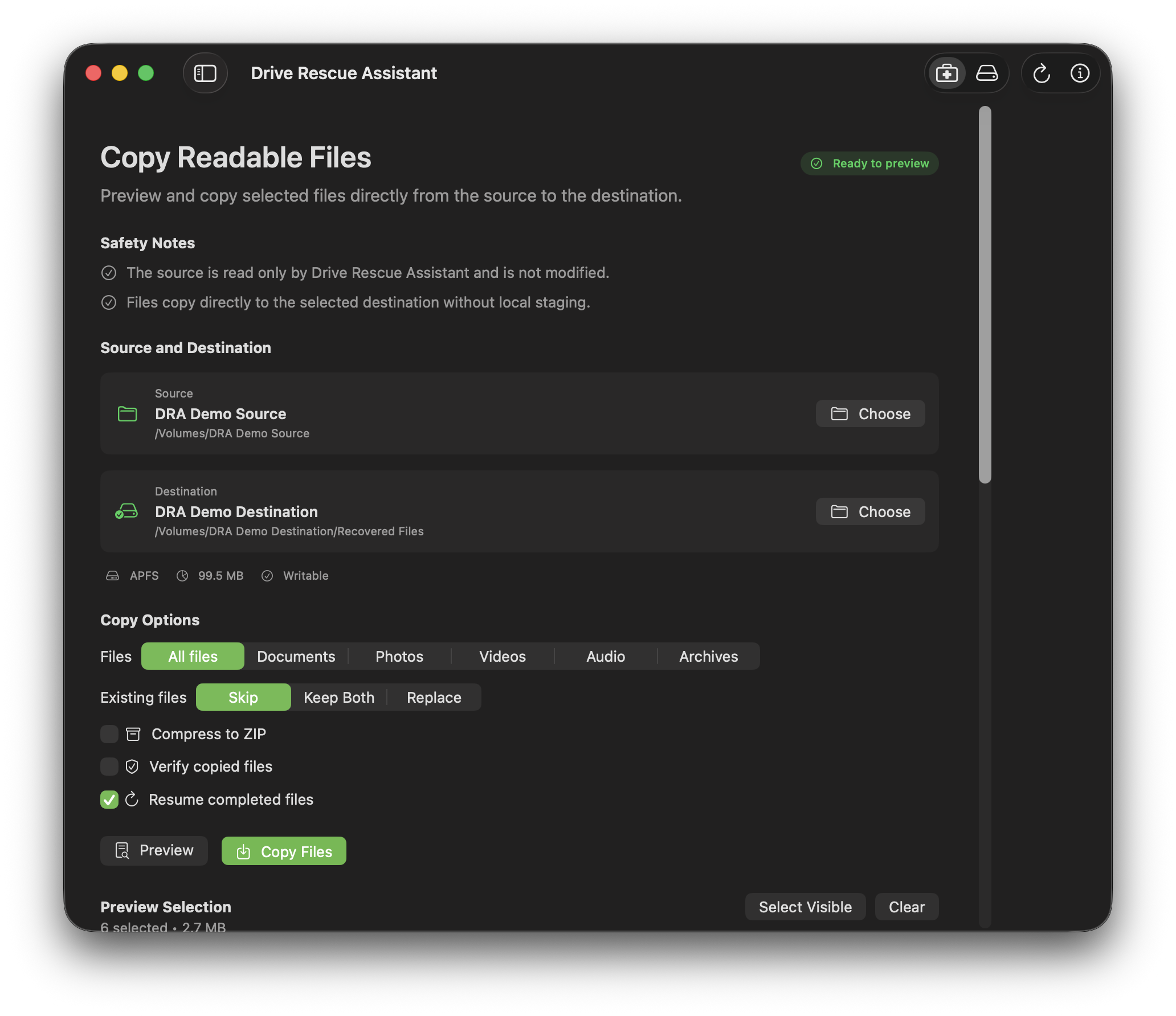
The interface adapts to each operating system while keeping the same inspect, preview and separate-destination extraction workflow.
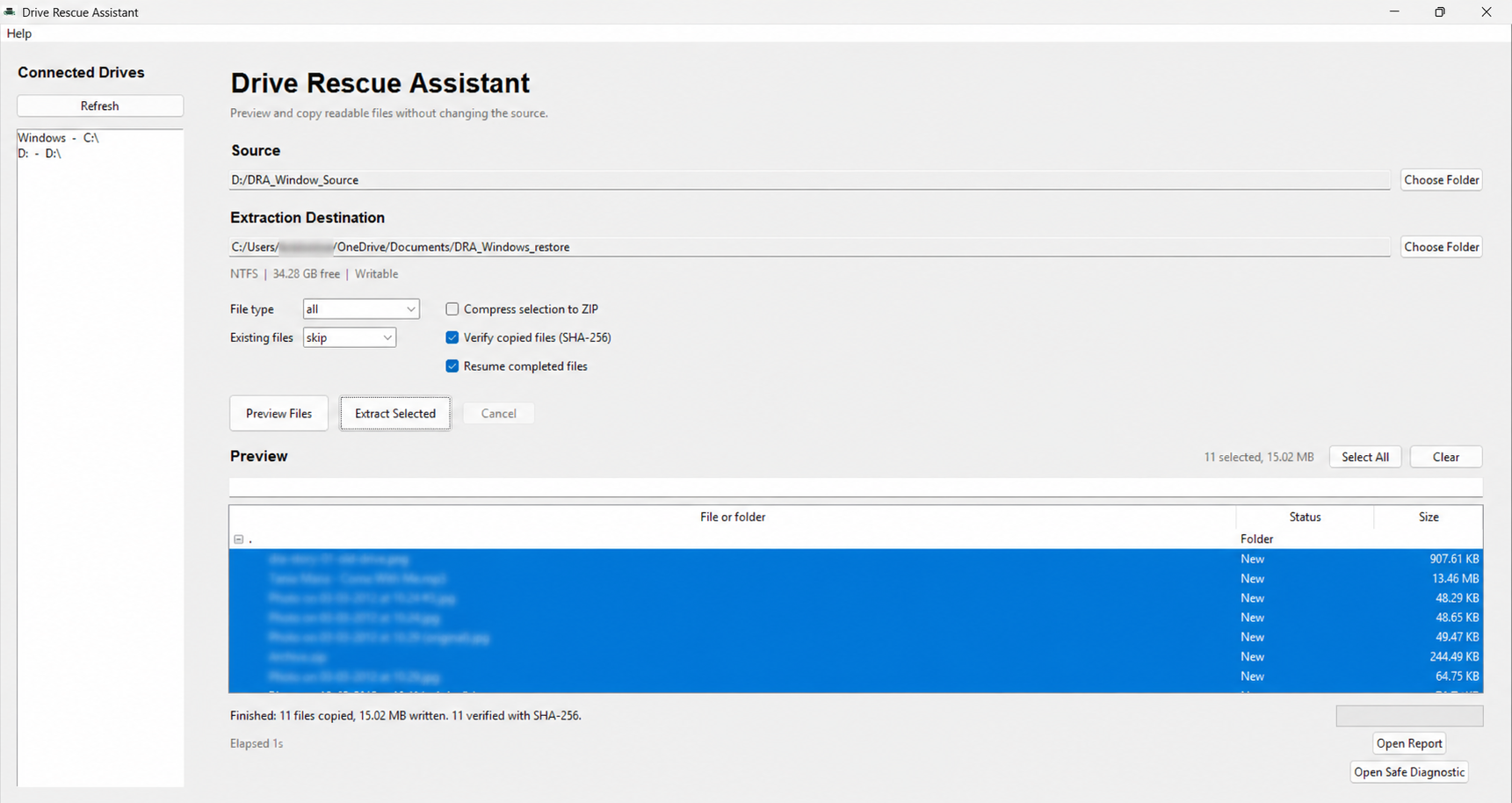
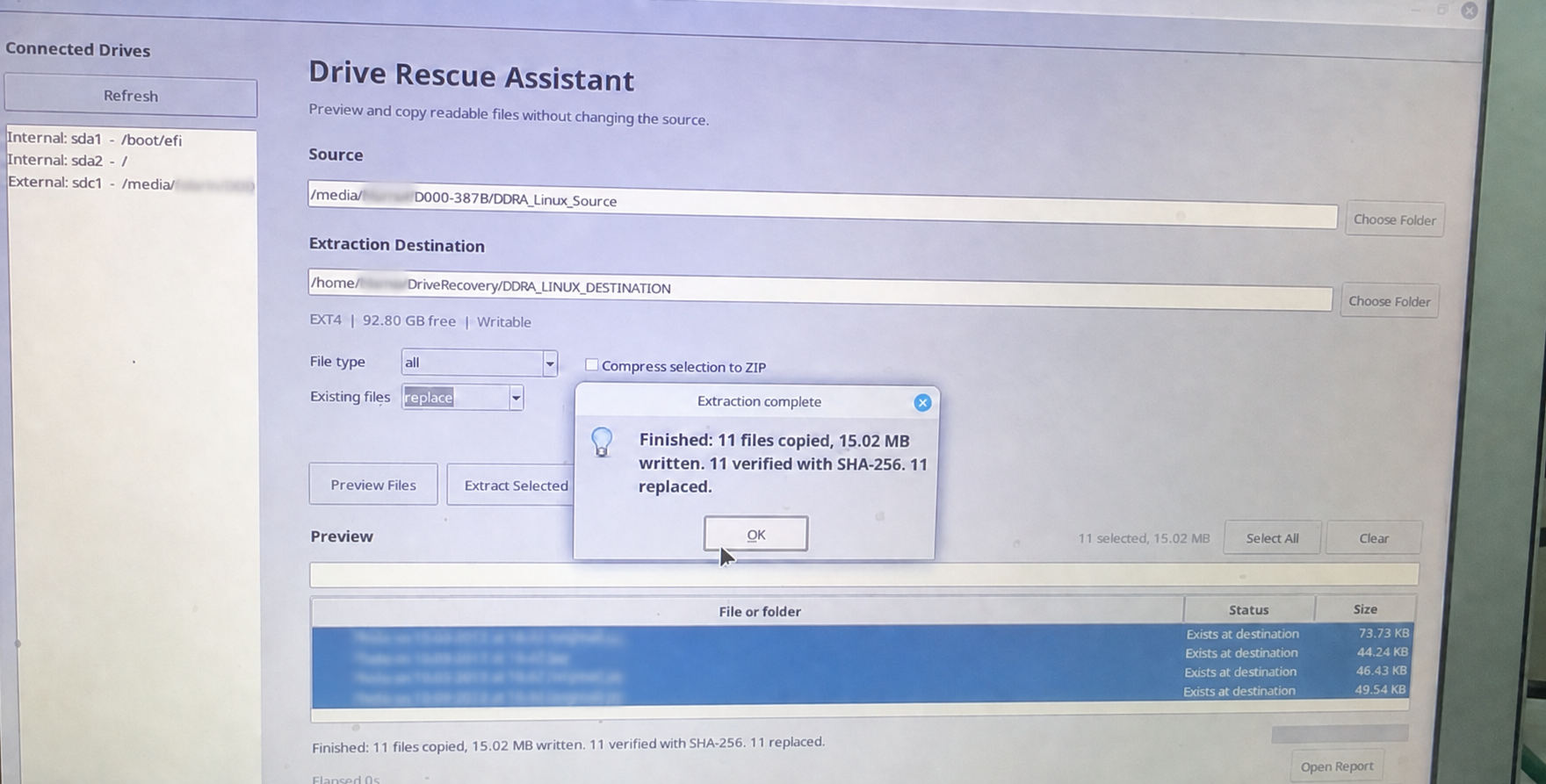
Screenshots document controlled testing; they do not imply general Store availability.
WHY IT EXISTS
“I know the file exists. I just don’t remember which old drive it’s on.”
DRA is built for that uncertain moment: understand the drive, find the readable file, and copy it somewhere safe without turning the source into an experiment.
One calm workflow turns “something is wrong with this drive” into a clear, limited next step.
Select a connected drive or folder and review its status, format and plain-language safety guidance.
See readable files before copying. Filter documents, photos, video, audio and archives, then choose what matters.
Copy selected files to a separate destination, follow progress and review the local completion report.
One important rule
The destination must be separate from the troubled source drive. Different physical storage is safest.
It helps before a repair attempt: inspect what the operating system can access, preview readable files and copy only what you choose.
Review individual readable files, filter by type and understand destination conflicts before writing any output.
Skip matching files already recorded in a local recovery manifest.
Optionally compare folder copies with SHA-256.
Skip by default, keep both, or explicitly choose replace.
Review copied, skipped, protected and failed items locally.
Verification and Resume currently apply to folder output, not ZIP output.
Drive Rescue Assistant keeps source-changing operations outside the rescue path. It reads what is exposed and writes only to the destination you choose.
Read the safety guideRead and preview filesSupported
Copy to another destinationSupported
Erase or formatNot included
Repair or repartitionNot included
Recover deleted filesNot included
Bypass encryptionNot possible
Stop and disconnect the drive. Continuing to run software may cause more damage. High-value or mechanically failing drives need a professional recovery service.
The desktop app does not upload, transmit, sell or remotely analyze your files. It reads from the source and writes only to the destination you choose.
Windows and Linux test packages are available now. The tagged macOS package has passed signing and notarization checks, but its website download remains withheld until an independent Mac browser test. This is not a general Store launch.
Price to be confirmed
The Windows 11 scan, preview, copy, verification and Resume workflow has passed an independent-destination test.
Download Windows testUnsigned test package · Microsoft SmartScreen may appearThe package targets mainstream x86-64 distributions compatible with Ubuntu 22.04. External tester verification remains outstanding.
Download Linux testControlled test build · external validation outstandingA tagged CI prerelease has passed Developer ID signing, Apple notarization, Gatekeeper and post-extraction checks. The website download remains withheld until the same ZIP passes a browser test on another Mac.
Mac download not yet available
Independent Mac test pending · no Apple App Store listingHonest boundaries are part of the product, not fine print.
The current rescue workflow reads and previews the source, then copies selected readable files elsewhere. It does not erase, format, repartition, repair or delete from the source.
No. The current version copies files that the operating system can still expose as readable. It does not perform deleted-file recovery or raw-sector carving.
Writing output back to a troubled source can overwrite data or add stress. Choose another drive or folder, preferably on different physical storage.
The app may explain that state, but it cannot copy files until the operating system mounts the volume and exposes readable data.
Stop and disconnect it. These can be signs of physical failure. Contact a professional data-recovery service instead of repeatedly scanning the drive.
A controlled test release for suitable, readable storage.
Choose a test build